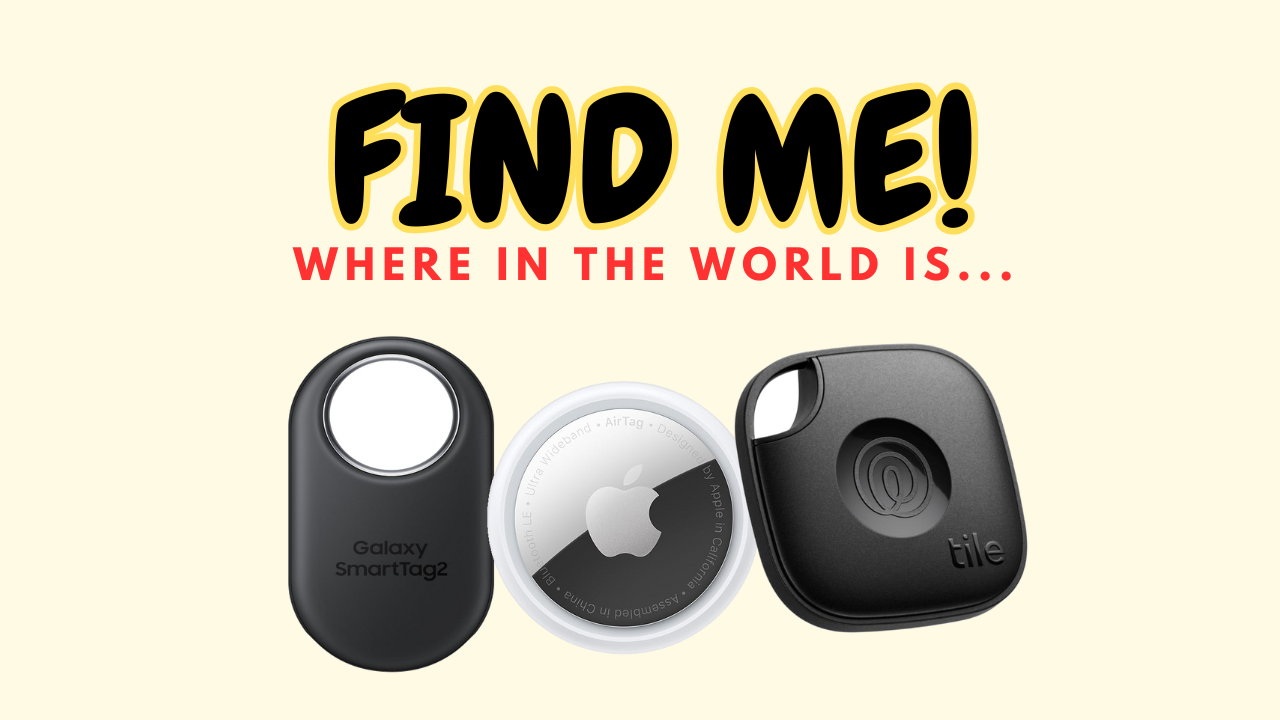
Do you ever lose your keys or wallet and wish you had a magic way to find them? Wanna track your luggage or not panic when you can’t find one parent when on vacation (yes, it has happened to me)? That’s where Bluetooth trackers like the Apple AirTag, Tile Mate, and Samsung Galaxy SmartTag2 come in. These little devices help you find your stuff fast. But which one should you pick? Let’s look at how they compare!
Apple AirTag
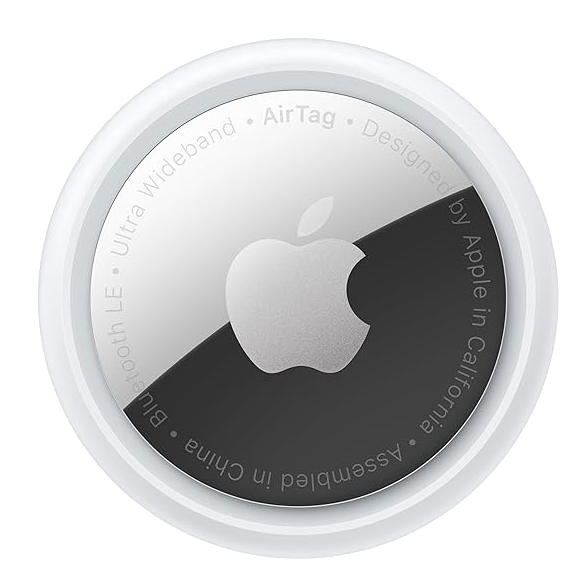
The Apple AirTag is made for people who already use iPhones or iPads. You can add it to the Find My app with just one tap. If something is nearby, your phone can guide you right to it using Precision Finding. For items far away, Apple’s huge Find My network helps locate them. You can even make the AirTag play a sound to help you find it.
Best For: iPhone users who want fast and easy tracking.
Tile Mate (2024)
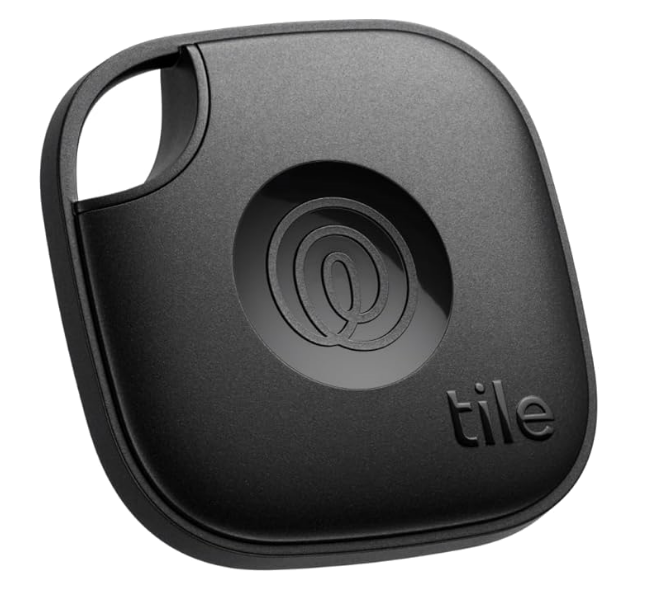
The Tile Mate works with both iPhones and Android phones. It has a free app that shows where your stuff is within 350 feet. It can also make your phone ring—even if it’s on silent! Plus, it has a cool SOS feature that lets you send an alert to your loved ones if you’re in trouble. The Tile Mate is tough, water-resistant, and has a long-lasting battery.
Best For: People who want a budget-friendly tracker that works with both iPhones and Android.
Samsung Galaxy SmartTag2
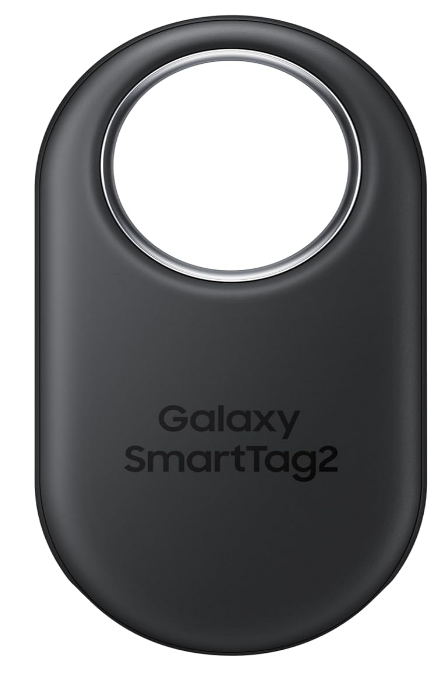
The Samsung Galaxy SmartTag2 is perfect for Android users, especially those with Samsung phones. It’s tough, water-resistant, and can last up to 500 days on one battery. Its Compass View feature shows you exactly where your item is if it’s nearby. Like the others, it also has an app that helps you find things further away.
Best For: Android users who want a durable, long-lasting tracker.
Side-by-Side Comparison Table
| Feature | Apple AirTag | Tile Mate (2024) | Samsung Galaxy SmartTag2 |
|---|---|---|---|
| Works With | iPhone, iPad | iPhone, Android | Android 11 and later |
| App Needed | Find My | Tile App | SmartThings |
| Tracking Range | Unlimited (Find My network) | 350 feet | Compass View for nearby, SmartThings Find network |
| Waterproof Rating | No official rating | IP68 (dust and water-resistant) | IP67 (dust and water-resistant) |
| Battery Life | 1 year (replaceable CR2032 battery) | Up to 3 years (replaceable) | 500 days (replaceable CR2032) |
| Special Tracking Features | Precision Finding, sound alerts | SOS alerts, find your phone | Compass View, SmartThings IoT |
| Durability | Lightweight, no water rating | Strong, water-resistant | Tough, water-resistant |
| Sound Alerts | Yes | Yes | Yes |
| Network Support | Find My (large Apple network) | Tile + Life360 | SmartThings Find |
| Setup | One-tap setup with Apple devices | Easy app pairing | Quick setup for Samsung devices |
| Price | $$ | $ | $$+ |
| Best Use | Apple lovers | Budget-friendly, general use | Android fans |
What’s the Difference?
Here’s a quick summary to help you choose:
- Apple AirTag works best if you already use Apple devices. It’s easy to set up and very accurate when finding items nearby.
- Tile Mate is great for anyone, no matter what phone you use. It has extra features like finding your phone and sending SOS alerts, and it’s the most affordable option.
- Samsung Galaxy SmartTag2 is perfect if you use Android, especially Samsung phones. It’s tough, lasts a long time, and has a handy Compass View to guide you to your things.
Final Thoughts
All three trackers are great, but the best one for you depends on what phone you use and what features you need. Here’s a simple guide:
- For Apple fans: Choose the Apple AirTag.
- For people on a budget: Pick the Tile Mate.
- For Android users: Go with the Samsung Galaxy SmartTag2.
No matter which tracker you choose, you’ll save time and avoid stress when you can easily find your stuff (and loved ones!). Which one will you pick? Let us know in the comments!
Leave a Reply