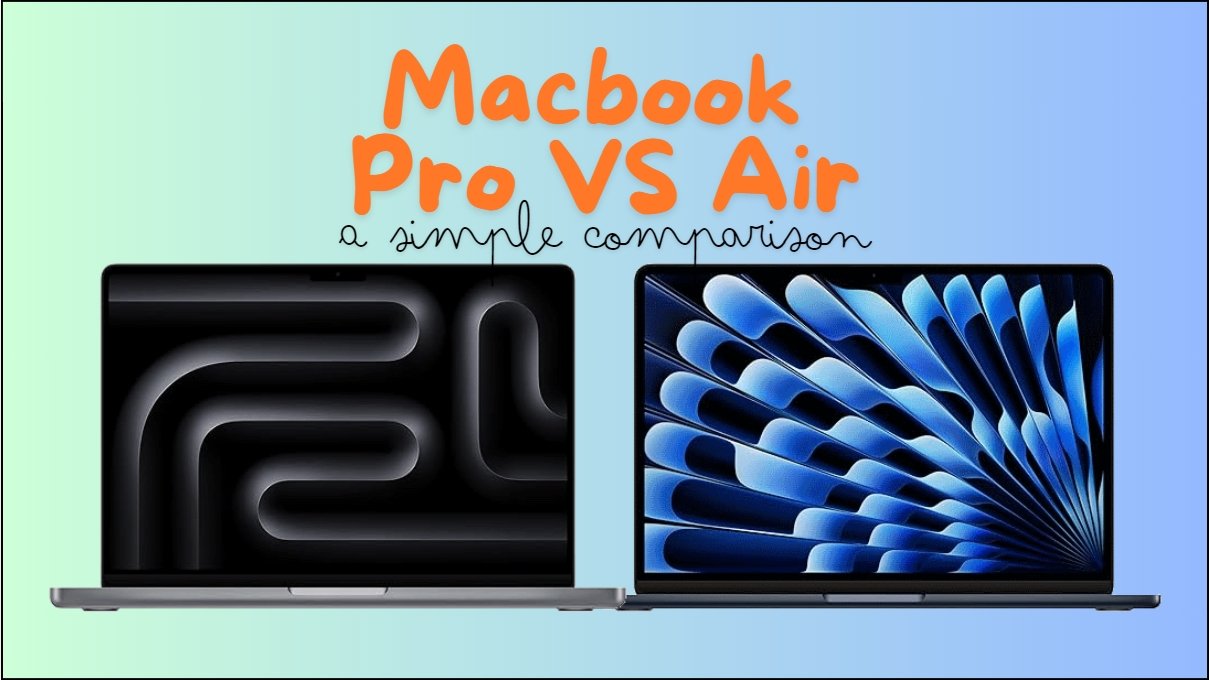
Both the MacBook Air (M3, 2024) and MacBook Pro (M3, 2023) come with Apple’s powerful new M3 chip and great designs. They can do a lot, but each one is best for different people. Let’s break them down so you can see which one works for you!
Apple MacBook Air (M3, 2024)
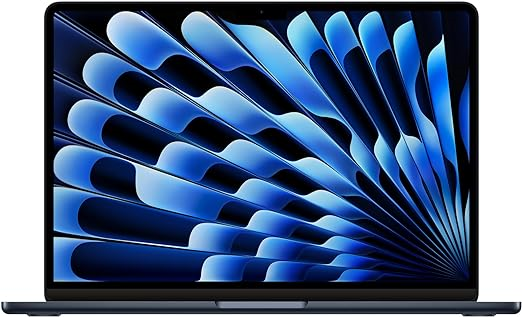
The MacBook Air is super light and easy to carry. It’s perfect for students, everyday users, and anyone who needs a strong laptop but doesn’t want to carry something heavy.
- Light and Thin: This laptop is under half an inch thick and only weighs about 2.7 pounds. It’s great if you’re always on the go.
- Powerful M3 Chip: It has an 8-core CPU and 10-core GPU, making it fast enough for everyday tasks like watching videos, doing homework, or using apps like Word or Excel.
- Long Battery Life: You can use it for up to 18 hours without needing to charge it, which is perfect for long days.
- Beautiful Display: The 13.6-inch screen shows over a billion colors, so everything looks super sharp and bright.
- Works Well with Other Apple Devices: If you have an iPhone or iPad, you can easily share files and messages between your devices.
Apple MacBook Pro (M3, 2023)
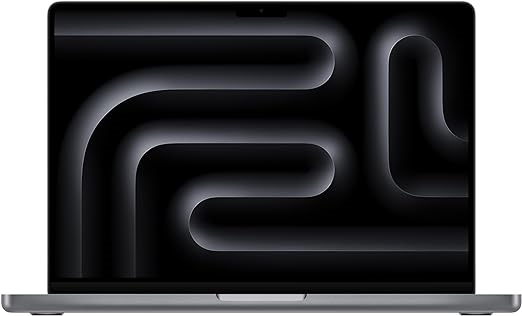
The MacBook Pro is more powerful and is best for people who need to do serious work, like video editing or coding. (*Please see note at the bottom about the rumored 2024 release)
- Supercharged Performance: The MacBook Pro has the same M3 chip as the Air, but with active cooling (it has fans), so it can handle bigger tasks for longer periods of time without slowing down. This is great for video editing or running big software programs.
- Amazing Display: Its 14.2-inch Liquid Retina XDR display is brighter and shows more detail, which is important if you work with high-quality images or videos.
- Longer Battery Life: Even with all its power, it can last up to 22 hours on a single charge.
- More Ports for Connections: It has more places to plug in things like external monitors, SD cards, and an HDMI port for presentations. This makes it really flexible for work.
- Top-Notch Sound and Camera: The six-speaker system and 1080p camera make it great for video calls and watching or creating media.
Comparison Table
| Feature | Apple MacBook Air (M3, 2024) | Apple MacBook Pro (M3, 2023) |
|---|---|---|
| Display | 13.6-inch Liquid Retina (500 nits) | 14.2-inch Liquid Retina XDR (1000 nits HDR) |
| Chip | M3: 8-core CPU, 10-core GPU | M3: 8-core CPU, 10-core GPU |
| RAM | 8GB (upgradable to 24GB) | 8GB (upgradable to 24GB) |
| Storage | 256GB (upgradable to 2TB) | 512GB (upgradable to 8TB) |
| Battery Life | Up to 18 hours | Up to 22 hours |
| Weight | 2.7 lbs | 3.5 lbs |
| Ports | 2 Thunderbolt, MagSafe, headphone jack | 3 Thunderbolt, SDXC, HDMI, MagSafe |
| Cooling | Fanless | Active cooling (has fans) |
| Sound System | 4-speaker with Spatial Audio | 6-speaker with Spatial Audio |
| Camera | 1080p FaceTime HD | 1080p FaceTime HD |
| Colors | Midnight, Starlight, Silver, Space Gray | Space Gray, Space Black |
Should You Upgrade the Memory or Storage?
Memory (RAM) Upgrade:
- 8GB RAM: Good for basic tasks like browsing the web, writing, and watching videos.
- Upgrade to 16GB or 24GB: If you do more intense work, like video editing, coding, or use a lot of programs at the same time, upgrading your RAM is a good idea. It makes your laptop run smoother and faster when handling big tasks.
Storage Upgrade:
- 256GB (MacBook Air) or 512GB (MacBook Pro): This is enough for everyday users who mainly store files online or don’t need to save big files on their laptop.
- Upgrade to 1TB or more: If you work with large files, like videos or lots of photos, or prefer keeping everything on your computer instead of the cloud, it’s worth getting more storage. This helps you avoid running out of space quickly.
Which One Should You Choose?
- Pick the MacBook Air (M3) if you want a lightweight, everyday laptop that’s easy to carry and perfect for school, work, or casual use. It’s great for most people who don’t need to do heavy tasks like video editing.
- Pick the MacBook Pro (M3) if you’re a professional or creative person who needs more power for tasks like video editing, coding, or working with big projects. It’s also the best option if you want more ports and a brighter, more detailed screen.
*Note on the Upcoming MacBook Pro
If you’re considering waiting for the latest version, Apple is expected to release the M4 MacBook Pro in late 2024. Rumors suggest it will come with improved AI capabilities and performance upgrades. Keep an eye on the upcoming announcements to see if the newer model fits your needs.
Leave a Reply